
Short, step-by-step videos for physicians and practice teams. Start with the quick tour, then follow each step from your first sign-in.
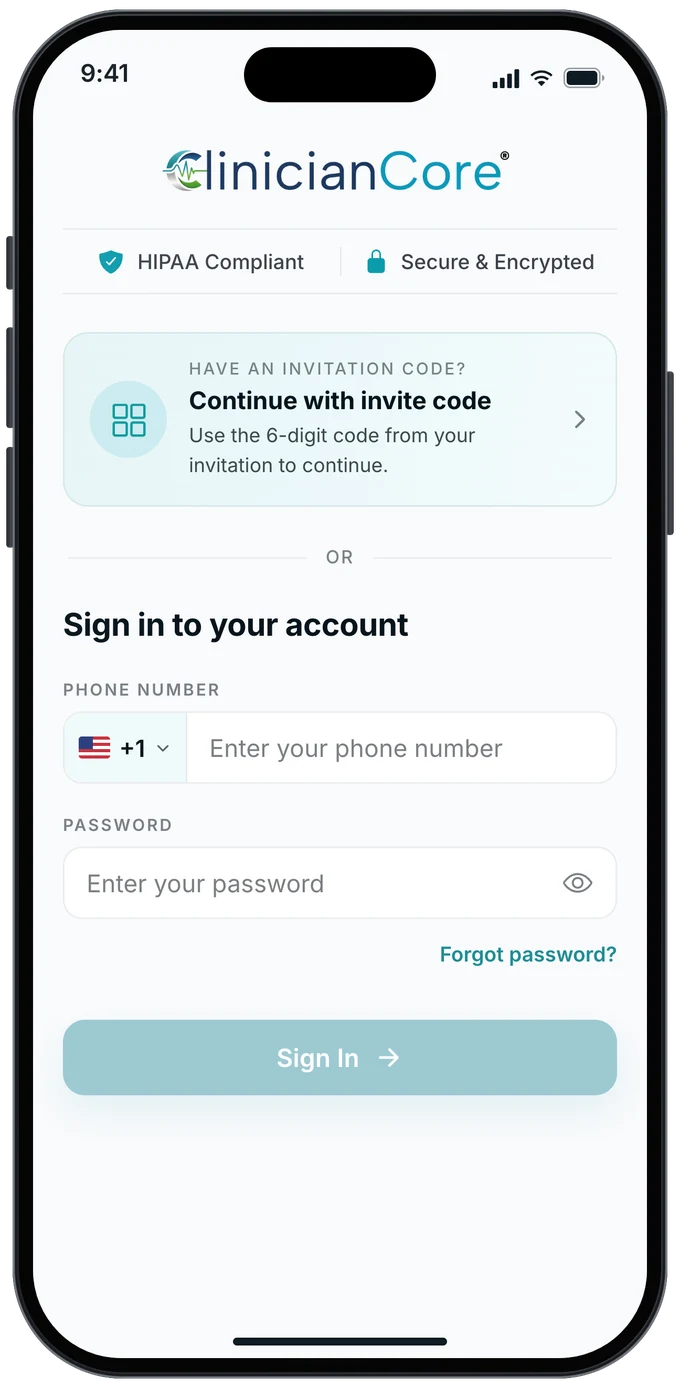
Getting started
· 1:45
From the invitation message to your first sign-in: download the app, tap Continue with invite code, enter your code and create your password.
Getting started
· 1:37
Sign your agreement, accept the policies, complete your profile, join your organization and send your first message.
Getting started
· 0:48
Sign in with your phone number and password, choose an organization if you belong to more than one, and reset a forgotten password.
Getting started
· 1:17
Join a second organization with the account you already have, confirm your role, sign the agreement and switch between organizations.
The app is on the App Store for iPhone and on Google Play for Android. Our download page links to both.
Start with How to sign in with an invitation code, then How to complete your first-time onboarding. Together they take less than four minutes.
On the sign-in screen, tap Forgot password? The video How to sign in as an existing member shows where to find it.
Yes. You can join another organization with the account you already have and switch between your organizations at any time. How to join a new organization shows each step.
Yes. Every video has English captions. Turn them on with the CC button in the player.
Email marketing@cliniciancore.com and our team will help.
ClinicianCore unifies secure messaging, voice, and video in one HIPAA-compliant platform built for healthcare collaboration.